On this guide
Get started
Manage
Project settings
Project settings sit behind a seven-tab strip: General, Members, Instructions, Setup, Add-ons, Preview, and Monitoring. The Danger zone lives at the foot of the General tab. Some tabs only appear when the project has the matching state - Setup is hidden until there is something to configure, Preview is hidden when the live preview feature is off, and GitHub Pages projects do not show Setup, Add-ons, Preview, or Monitoring at all (those tabs cover deployment-target wiring and error capture, neither of which applies to a static site).
General
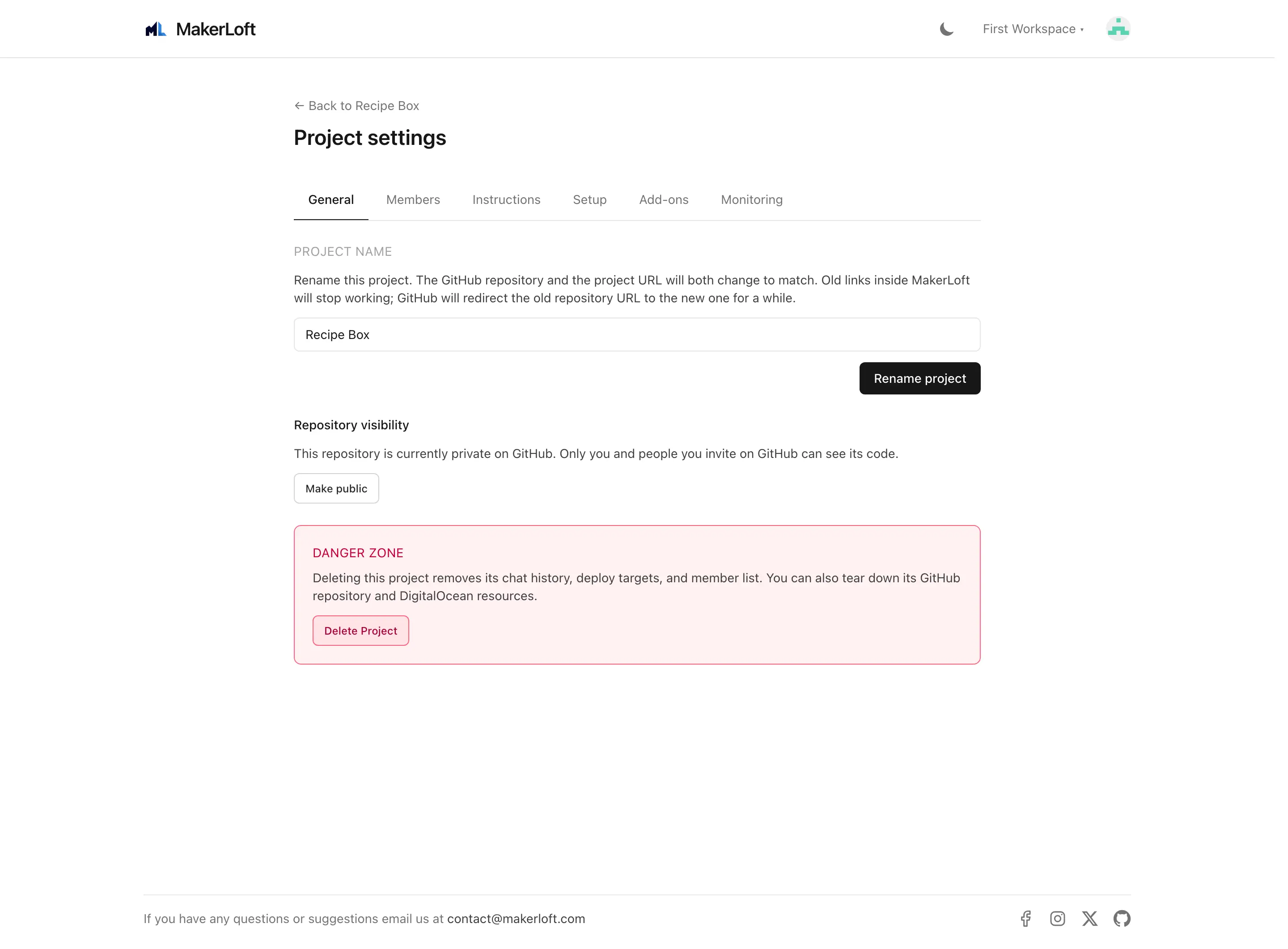
Rename the project, change repository visibility (public or private), and toggle whether AI changes commit and rebuild automatically. Renaming changes both the project URL and the GitHub repository name; old links inside MakerLoft stop working, GitHub redirects the old repository URL for a while.
Switching from public to private (or back) needs a one-time GitHub permission upgrade; MakerLoft will prompt for it on the spot.
Members
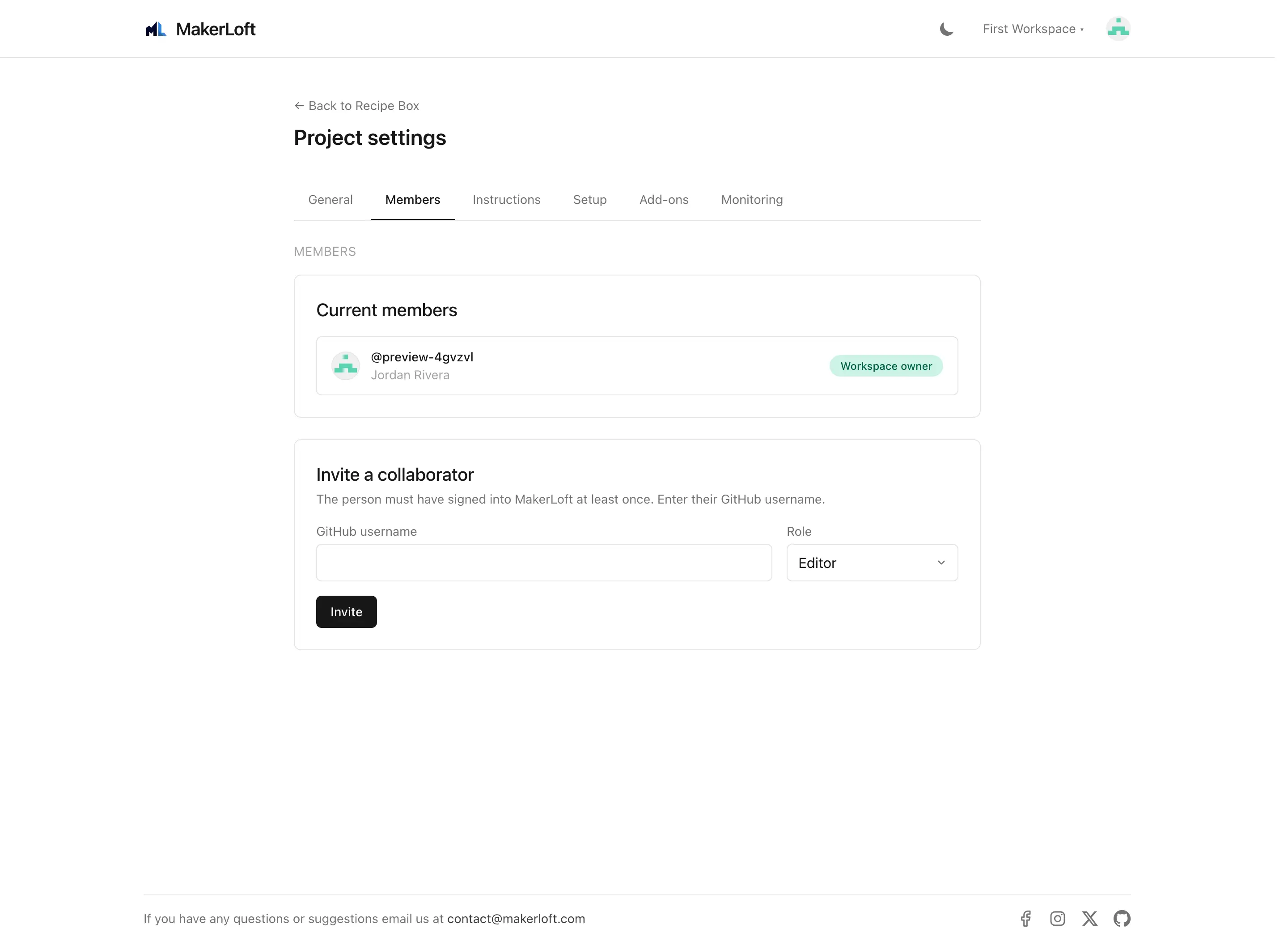
Invite, list, and remove project members. Roles are Viewer (read-only), Editor (chat and deploy), Owner (members and settings).
Instructions
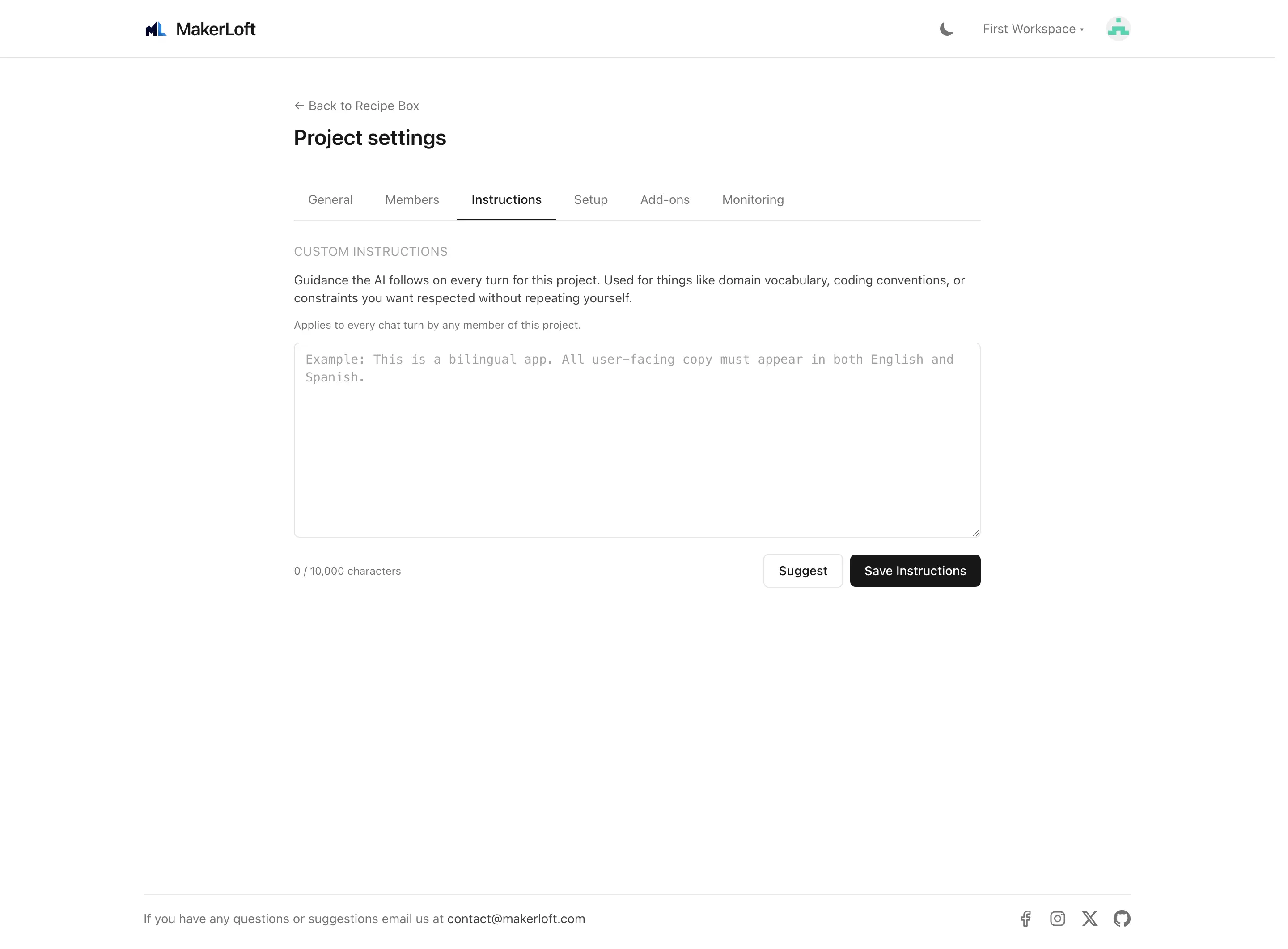
A free-form text box that the agent reads at the start of every chat turn. Use it to teach the agent about your preferences ("always use a sans-serif headline", "all dates should be in DD/MM/YYYY"), about non-obvious project rules ("the database has 50,000 users; do not run schema changes that lock tables"), or domain context ("members pay £50/year, free trials are seven days").
Keep it short. Long lists of edge cases hurt more than they help; the agent reads them every turn and the more there is, the harder it is for important rules to stand out.
Setup
A live read of the project repository on GitHub. Three nested sections:
- Environment variables. The variables each deployment target expects, and whether the value is set or missing on each target. The agent fills these out automatically; this view exists so you can see at a glance whether anything is missing.
- Back-end packages. The composer packages installed in the project, grouped by category (starter packages that came with the template, custom packages added later, dev-only packages).
- PHP extensions. The PHP extensions the project uses, split into built-in (bundled with PHP) and extra (separately installed).
- Front-end packages. The npm packages installed, with the same starter / custom / dev grouping.
Setup is hidden if the project has no detectable inventory yet (typically right after creation, before the first agent turn).
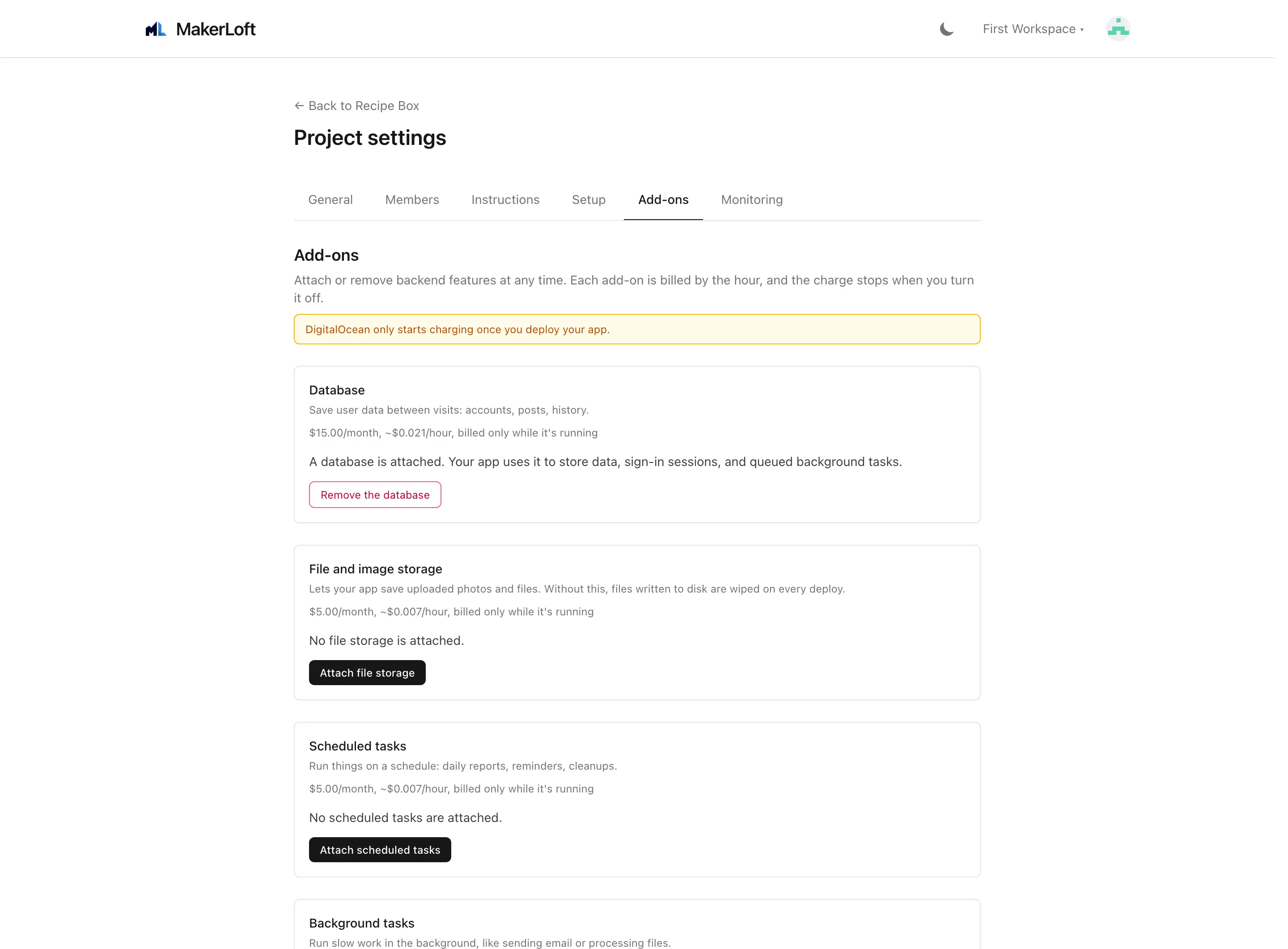
Add-ons
A handful of extras that the agent uses to keep the project healthy:
- Runtime error capture. When on, the deployed app sends crash reports back to MakerLoft. The alerts panel shows them so you can ask the agent to fix.
- Build failure capture. Pulls failed CI logs into the alerts panel.
- Deployment failure capture. Pulls failed deploy logs into the alerts panel.
- Auto-triage. When on, the agent reads new alerts in the background and opens a fix in a new chat thread without you asking.
Preview
Live preview gives the project a temporary URL that updates on every commit, so you can show work in progress without doing a real deploy. Choose private (you and members only) or public (anyone with the link).
- Enable live preview. Turn on or off.
- Visibility. Private (signed-in members only) or public (anyone with the link).
- Reset. Tear down the running preview and rebuild from scratch. Useful if a build is wedged.
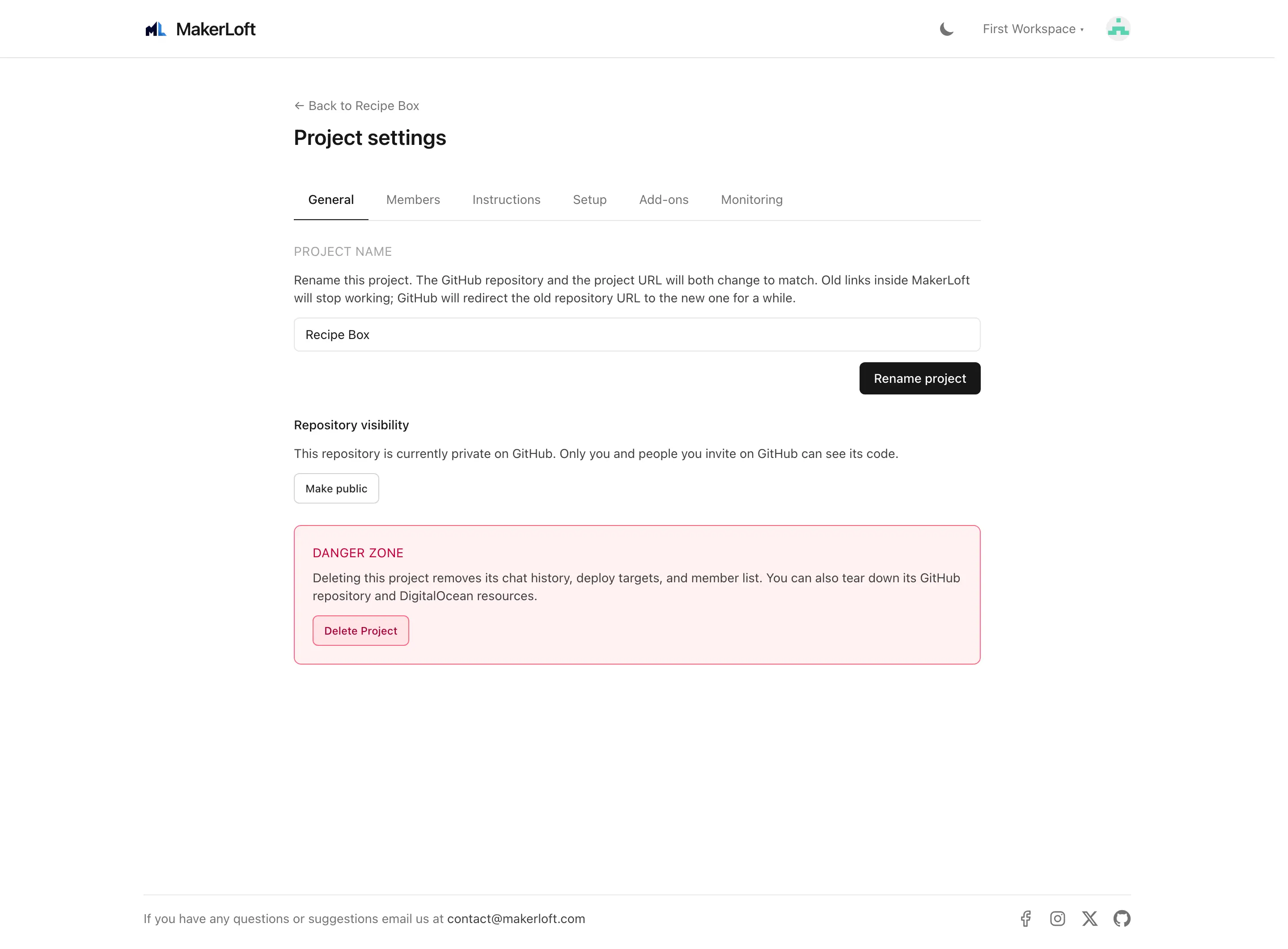
Monitoring
A read-only timeline of recent runtime errors, build failures, and deploy failures. Use this when an alert in the panel is gone but you want to look back at the history.
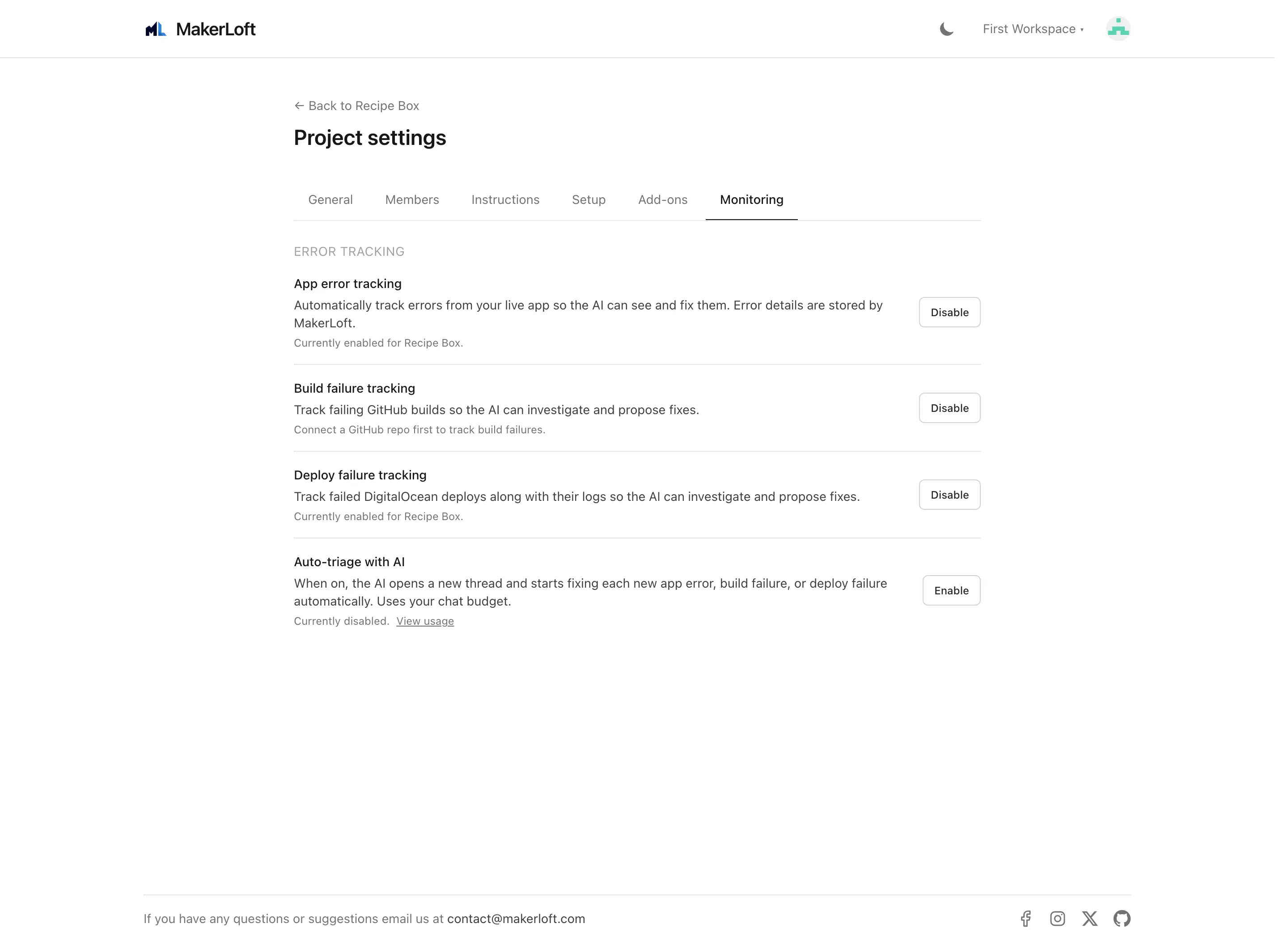
Danger zone (in the General tab)
Project deletion is at the bottom of the page. You will be asked to type the project name to confirm. Two extra checkboxes give you the option to also delete:
- The GitHub repository. Off by default; turning it on requires an extra GitHub permission.
- The deployed app on DigitalOcean. Off by default; deletes the App Platform app and the managed database, both as a single operation.
Both deletions are permanent. The project record inside MakerLoft is always removed, regardless of these toggles.