On this guide
Get started
Manage
Account
Your MakerLoft account: profile, two-step sign in, recovery codes, deleting your account, and what to do if your account is restricted.
Profile
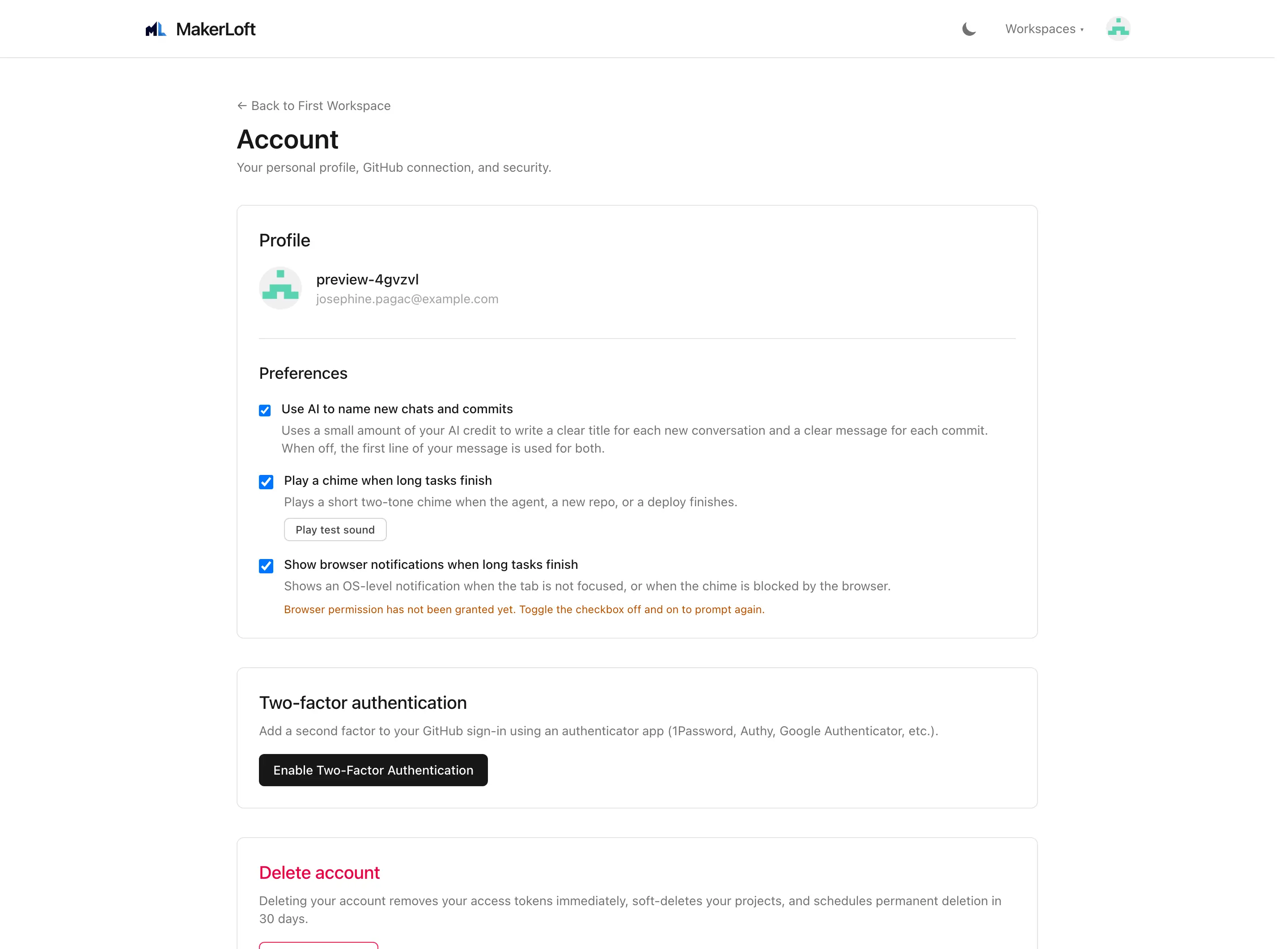
Your profile holds the small choices that follow you from workspace to workspace: whether the agent should automatically name your chat threads, whether to play a chime when a long task finishes, and whether to show a desktop notification.
- Use AI to name new chats and commits. When on, the agent picks a short title for a new chat thread after you send a few messages, and writes a one-line commit message for each AI change. When off, threads stay named "New thread" until you rename them, and commits get a generic message.
- Notification sound. Plays a quiet chime when a long-running task finishes (a deploy, a multi-turn chat). Off by default.
- Browser notification. Shows a desktop notification with the same trigger. Your browser will ask permission the first time you turn it on.
Security and two-step sign in
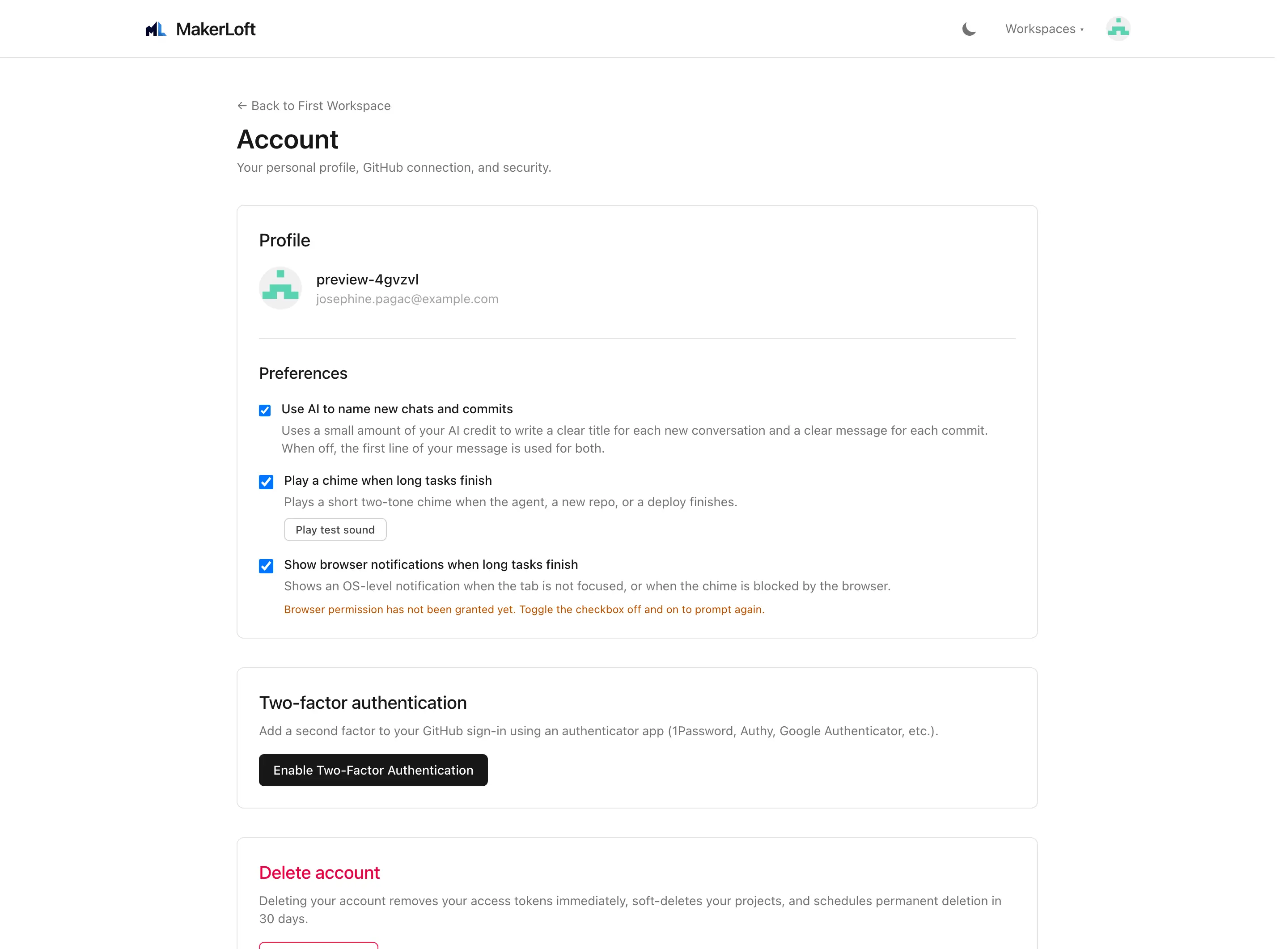
Two-step sign in protects your account beyond the GitHub login. After you turn it on, every fresh sign in asks for a six-digit code from your authenticator app on top of your usual GitHub round-trip.
To turn it on:
- Click "Set up two-step sign in". A QR code appears.
- Scan the QR with your authenticator app (1Password, Authy, Google Authenticator, anything that produces a six-digit code).
- Type the code your app shows. If it matches, two-step is on, and you will see a list of one-time recovery codes.
- Save the recovery codes somewhere safe. Each one signs you in once if you lose your authenticator. We do not store them in plain text and cannot show them again.
Each code is bound to a thirty-second window. If you sign in with the same code twice (a common mistake when copy-pasting from your authenticator), the second attempt is rejected. Wait thirty seconds for a fresh code and try again.
Signing in after two-step is on
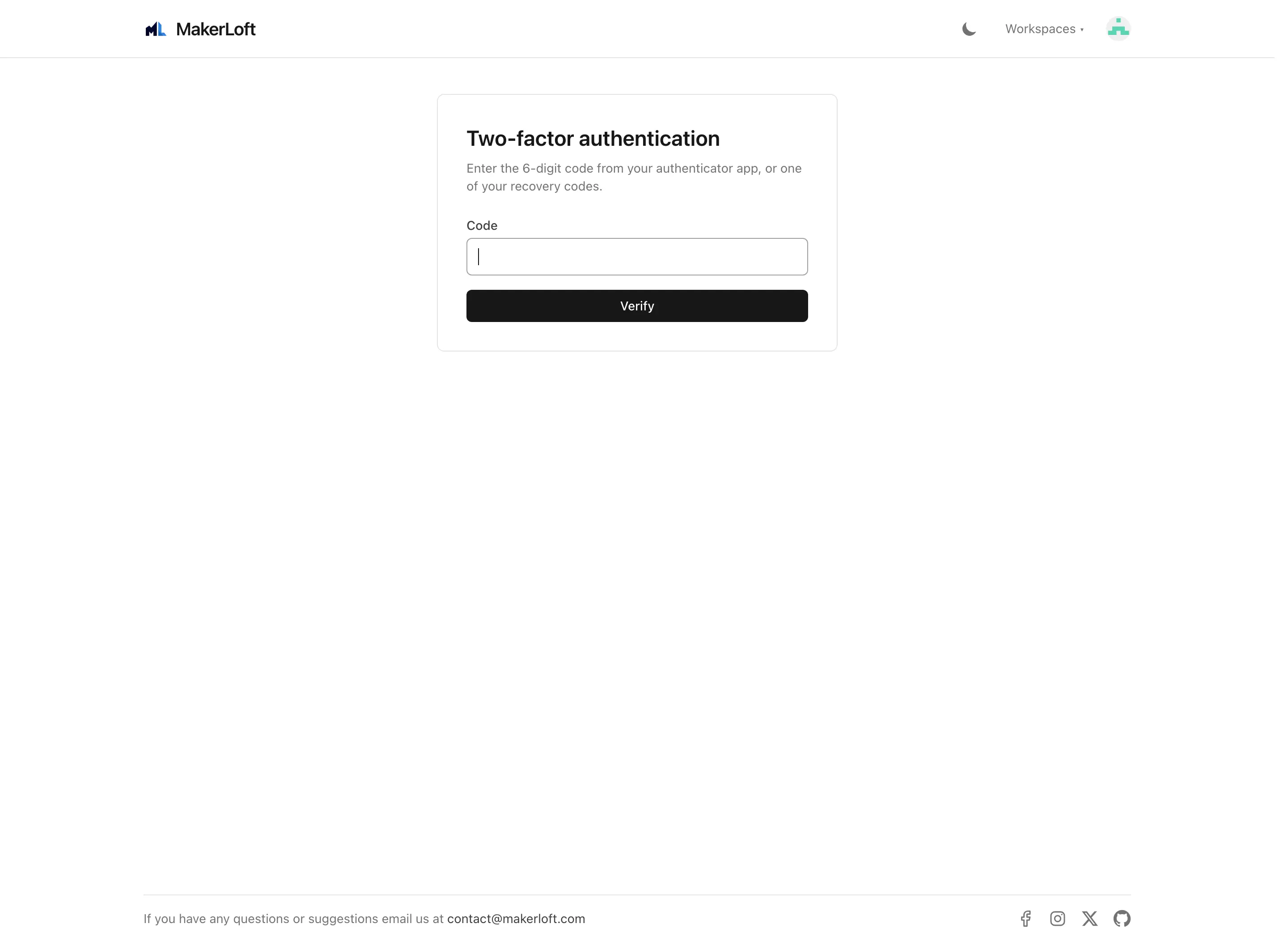
After turning on two-step sign in, the next sign in asks for the six-digit code right after GitHub. If you cannot reach your authenticator (lost phone, dead battery), use one of your recovery codes instead.
Codes time out after a short window. If yours is rejected, glance at your authenticator and try again with the new code.
Deleting your account
Account deletion is at the bottom of the Account page. It removes your MakerLoft account, all your workspaces, all your projects (the records inside MakerLoft, not the GitHub repositories themselves), and your subscription. The repositories on GitHub stay yours; the deployed apps on DigitalOcean stay running unless you tear them down separately, and any GitHub Pages sites keep serving from your GitHub repositories.
You will be asked to confirm by typing your account name. The deletion is immediate and cannot be undone.
Restricted account and appeals
In rare cases, an account is restricted automatically because automated checks detected something unusual (rapid abuse signals, payment problems, or moderation flags). A red banner appears across the top of every page with a link to the appeal form.
The appeal form is a single text box. Tell us briefly what you were doing and why you think the restriction is wrong. We read every appeal and reply by email; the limit is one appeal at a time.
A restricted account can still sign in, view its projects, and submit an appeal. It cannot run new chat turns, deploy, or invite new members until the appeal resolves.